Monday, June 2, 2014

Creative Techniques Projects

Symmetrical Pattern
Vertical Cut Distortion

Circlular Cut Distortion
Hand Colored Brush Tool

Hand Colored Gradient
Hand Colored Selection Tool
Texture Screen


Image Overlay


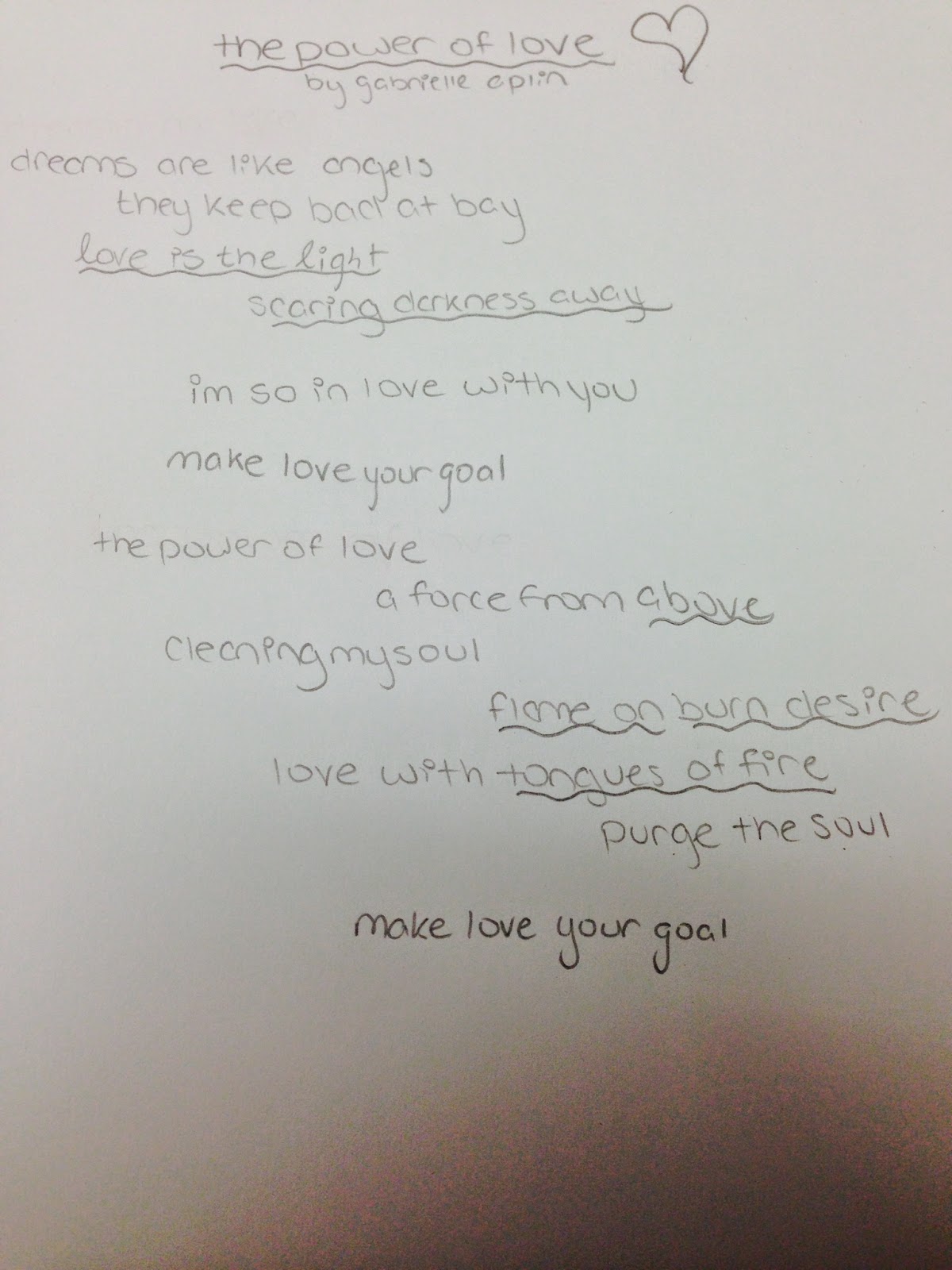
Song


Halftone Screen


After completing this assignment, I've discovered that I have a personal preference for photography that is more abstract. While I enjoyed all of the techniques utilized in this unit, I fell in love with hand coloring, particularly with the brush tool. I also really enjoyed learning how to use the text tool in Photoshop because it opened up so many new options! When I was taking photographs for the assignment I also found it really fun to plan ahead with my shots and format a whole scenario to capture in my camera. I actually found this method a lot easier than just hoping something natural would occur in my vicinity! Overall, this creative techniques unit has taught me an abundance of new and awesome skills that I will continue to use in my forays with photography and photo editing. 

Monday, May 5, 2014

Creative Techniques

Image Overlays with Text

i.


 The sun/bright light filtering from the background of the picture represents the bright fire and beauty of love that this song describes. I liked the image of my cat and the flower being made brighter from the presence of the sun. 

The song mentions the disillusionment of the written word and how it can fool and deceive you, and so I took a picture of a book while using a very small depth of field so as to blur out most of the words creating a sense of distrust and ambiguity in the text.


The song 'Rootless' talks about the feeling of being disconnected from the rest of the world and being a wanderer. It juxtaposes this with the concept of the tree whose sturdy strong roots keep it tied to the ground and unable to move as it pleases. Therefore I took a picture of a tree emphasizing the distinct parts of it that keep it immobile and a steady fixture. 


This song begins by the singer comparing herself to a drop of water, just a small, obscure part of the world who will one day join the ocean and join the bigger overall scheme of things. I really liked the imagery behind that idea and so my picture shows the comparatively infinitesimal droplet of water dangling precariously from the edge. 


While the flower I took a picture of is not the iris mentioned in the song, it still shows the deeper symbolism of being something so fragile and beautifully delicate in a world that sets out to break you.


                                                       009E8E/FFA900/F5001D

Tuesday, April 22, 2014

Motion Final


Blurred-
ISO: 100
Aperture: 32
Shutter Speed: 1/30


Frozen-
ISO: 100
Aperture: 5.6
Shutter Speed: 1/320

Panning-
ISO: 100
Aperture: 20
Shutter Speed: 1/60


Chrono-
ISO: 1600
Aperture: 1/60
Shutter Speed: 7.1


Writing with Light-
ISO: 1600
Aperture: 10
Shutter Speed: 10"

Zooming-
ISO:1600
Aperture: 22
Shutter Speed: 1"

One of the biggest things I learned this unit was the editing techniques we used for our photographs. Layer masking for both chronography shots and other editing tools was a really cool and useful skill to learn! Learning how to pan and zoom was also interesting.

I wish I had tried something cooler for my writing with light and chronography pictures. I really like my blurred and frozen motion shots.

Monday, April 14, 2014

Motion Shooting Assignment

I had some difficulty with writing with light shots as we had very limited space to work in. Also, some frozen motion shots were so fast they were hard to catch in the way I hoped to. I think my chromo shot is interesting in how I employed space in the image, with the subject occupying the fore, middle, and background of the image.

Friday, April 4, 2014

Motion In Class Practice

Blurred Motion
 I used a fairly low shutter speed so when the ball was thrown and the picture taken it turns into a long streak.
Shutter Speed: 1/4
ISO:1600
f stop: 5.6
Chrono 


 I first took a picture of the background without anyone in it and then I took four pictures without moving the camera of someone in multiple different positions which will then be photoshopped together to give it the appearance of having the same person doing multiple things at once.

Shutter Speed: 1/40
ISO: 1600
f stop: 3.5
Frozen Motion

This picture was taken with a very high shutter speed to freeze the motion of the ball falling.

Shutter Speed: 1/100
ISO: 1600
f stop: 5.6
 Panning

This picture was taken by metering against the blank wall, then focusing on the subject's face and taking multiple pictures while moving along with the subject so as to achieve the clear subject with the blurry background.

Shutter Speed: 1/80
ISO: 1600
f stop: 7.1
 Zooming
This picture was taken by focusing in on the subject and then taking a picture with a really long shutter speed and while the picture is being taken slowly zoom in.

Shutter Speed: 2"5
ISO: 1600
f stop: 16

Friday, March 21, 2014

Writing with Light Experiment


ISO: 100
Aperture: f/5.6
Shutter Speed: 1"

I think the photo is mildly interesting but with a much slower shutter speed we could have created a more compelling and unique design for the picture. I think we also could have done more with the lights, such as using techniques we learned in the earlier lighting unit. 

Wednesday, March 19, 2014

Motion Blog Assignment (2)

Blurred Motion

Both of these pictures use the rule of thirds to emphasize the blurred motion prevalent in the image.


Chrono

These images use curved lines to show the time elapsing in each of the subjects jumps.


Frozen Motion

Both of these photos use movement to guide the eye through the perfectly captured and frozen action in the image.


Panning

The first panning image of a bike employs color by having the background be a medley of different bright shades which helps the visual appeal of the picture. The second picture with the flying duck uses simplicity to emphasize the duck against the tan blurred background. 


Writing with Light

These images use bright, glowing colors in such a way that it stands out against the dark or black backgrounds and makes the photo much more interesting. 


Zooming

These pictures use repetition, whether with a patch of tulips or a pile of leaves, to help emphasize the use of zooming throughout the image.